How Belfast Businesses Can Turn Mobile Visitors Into Enquiries
A practical mobile conversion checklist for Belfast service, hospitality and professional businesses that want more useful enquiries.
Article guide On this page
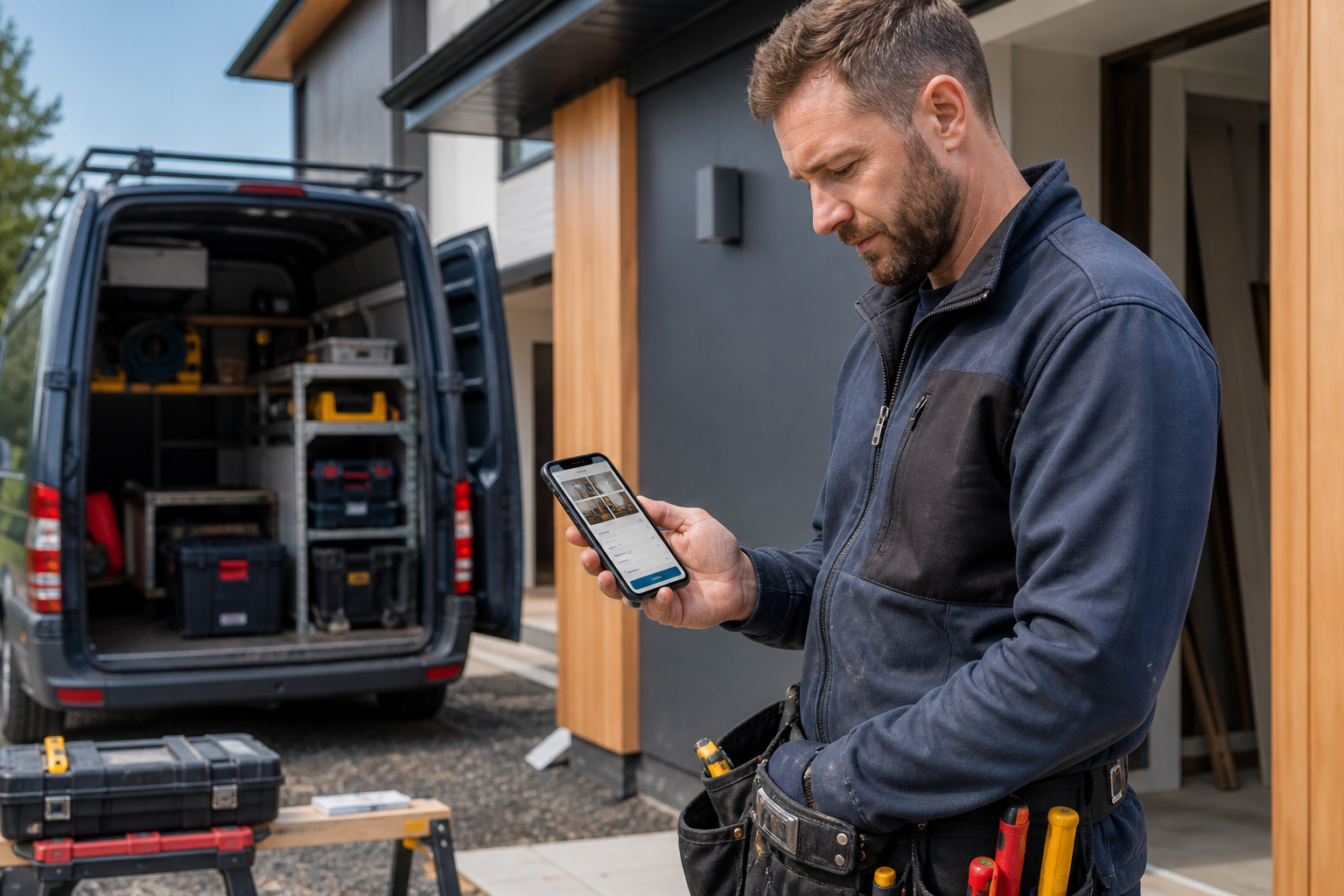
A customer may discover a Belfast business while commuting, planning a visit, comparing an urgent service or researching after normal hours. In each case, the phone is not a secondary version of the website—it is the buying environment. Small points of friction can stop an enquiry before the business knows it existed.
This checklist focuses on the mobile decisions that matter most.
Make the first screen answer three questions
A visitor should quickly understand what the business does, whether it appears relevant and what to do next. Use one specific headline, a short supporting sentence and the most suitable primary action. Avoid a rotating slider that changes before the message can be read.
The main action might be call, book, request a quote, check availability or start an enquiry. Choose it from actual customer behaviour rather than copying another website.
Match the action to urgency
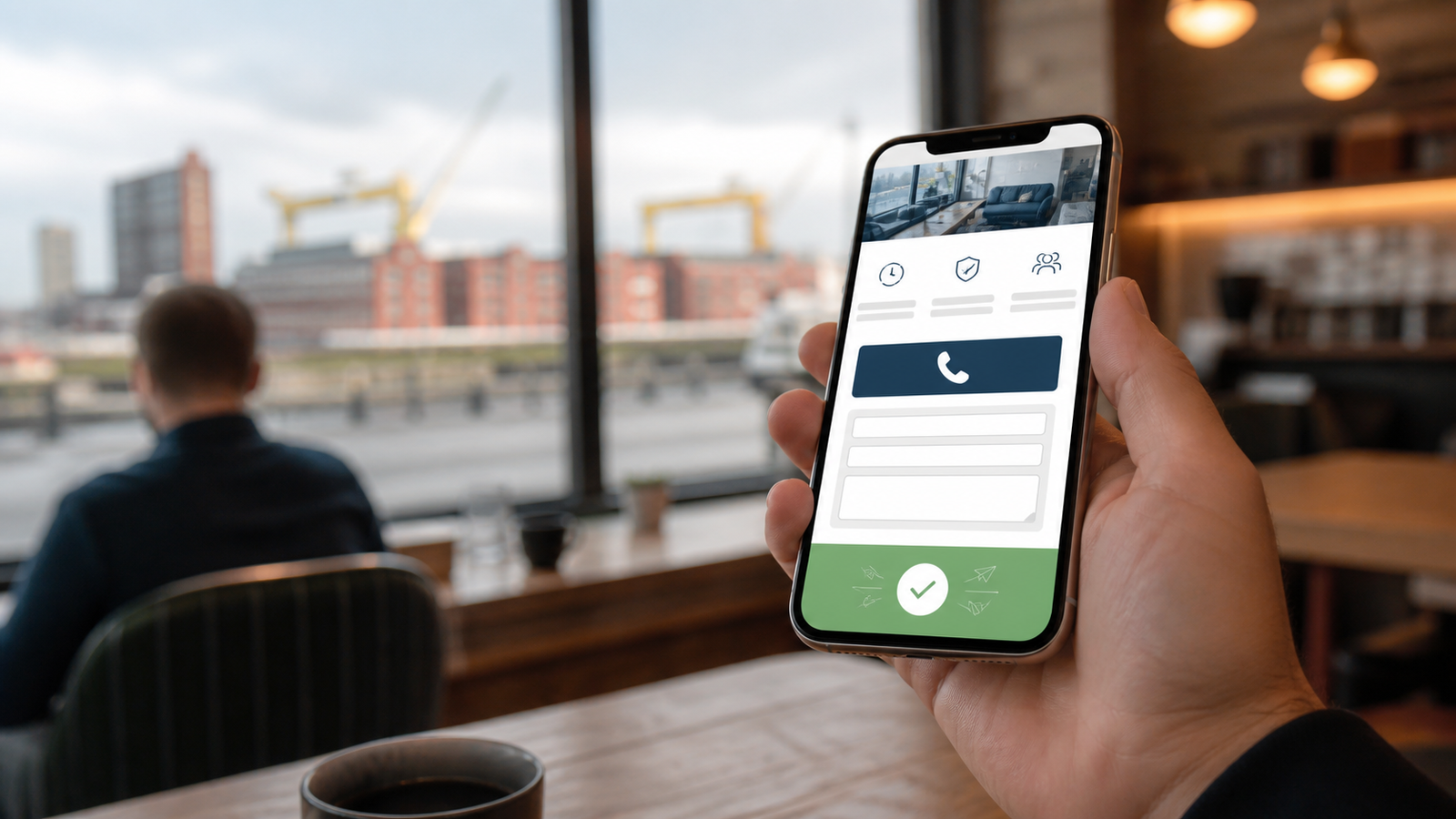
For an urgent local service, a tap-to-call option can be essential. A hospitality business may prioritise availability, directions or booking. A professional or technical firm may need a short consultation form that captures the subject and preferred response method.
Do not present six equal buttons. One primary action and one useful alternative usually creates a clearer choice.
Shorten the form without losing qualification
Every field has a cost on a phone. Ask what is necessary to respond or route the enquiry: name, contact method, service and a concise message may be enough. More complex B2B forms can use a small number of conditional questions rather than a single intimidating page.
Use the correct mobile keyboard for email and telephone fields.
Keep labels visible instead of relying only on placeholder text.
Explain required formats before an error occurs.
Preserve entered information if one field needs correction.
Show a clear confirmation and expected response time.
Place proof before the contact decision
A mobile visitor should not need to search the footer for reassurance. Add the most relevant trust signal near the action: an approved review, qualification, project example, service guarantee or transparent process. Use real evidence and keep regulated claims accurate.
Belfast City Council lists advanced engineering and manufacturing, creative and digital, financial and professional services, hospitality and tourism, and life and health sciences among the city's key sectors. These audiences require different proof. A visitor booking an experience needs different reassurance from a procurement manager assessing a technology supplier.
Keep local details accurate and tappable
Opening hours, telephone numbers, directions, parking or service coverage should be easy to find and consistent with other public listings. If customers do not visit the address, describe the service area accurately rather than displaying an unsuitable location.
Google's Business Profile guidelines say businesses should use a precise real-world address or service area and should not create more than one profile for each location. A virtual office without a genuine staffed operation is not eligible.
Improve speed by prioritising what customers need
Large uncompressed images, unused scripts and autoplay media can delay the first useful screen. Optimise images, load non-essential content later and avoid visual effects that block the main action. Speed work should preserve clarity and accessibility rather than simply chase a score.
Check accessibility on a real phone
Buttons need enough size and separation. Text should remain readable when enlarged. Colour cannot be the only way an error or state is communicated. Menus, forms and consent notices should work with keyboard and assistive technology as well as touch.
Measure the complete enquiry journey
Track phone-button taps, form starts, completions, bookings and confirmation views. Compare these with qualified enquiries, not just total clicks. If many people begin a form but few finish, investigate field length, errors, speed and privacy concerns. If calls are high but unsuitable, clarify the service before the button.
A mobile page should reduce effort
The best Belfast mobile journey is fast, specific and reassuring. It helps the visitor recognise fit, verify the business and choose a response without unnecessary work. Explore website design for Belfast businesses or our wider UK web design service. We can build a free personalised mobile-first demo using your real details.