How Trades Businesses Can Turn Website Visitors Into Enquiries
A practical guide for trades businesses that want clearer service pages, stronger proof and mobile quote forms that generate better-qualified enquiries.
Article guide On this page
A trades website should help the right customer understand the service, confirm the coverage area, see evidence of suitable work and request a quote without unnecessary friction. More enquiries are not automatically better; the useful goal is a steady flow of jobs that match the team's skills, location and availability.
That requires clearer pages and stronger proof than a generic list of services followed by a name-and-email form.
State the job types and service area clearly
Lead with the work the business wants to win. A plumber may separate emergency repairs, boiler work and bathroom installations because each customer has different questions. A builder may organise pages around extensions, renovations and commercial fit-outs. Each service page should explain what is included, common constraints, the process and the next step.
Describe the real coverage area accurately. Do not claim offices in multiple towns unless those are genuine staffed locations. If customers do not visit the business address, explain the legitimate service area instead.
Show proof that matches the service
Use recent project photographs, short case studies, relevant licences or accreditations and genuine customer reviews. Put evidence beside the service it supports. A roof-repair customer learns more from a documented repair and outcome than from a gallery containing unrelated building work.
Protect customer privacy: obtain permission before publishing names, addresses or identifiable property details. Where permission is limited, describe the project type, challenge and result without exposing personal information.
Design a quote form that improves lead quality
A useful quote form asks enough to route the job without turning the first contact into an application. Suitable fields may include:
customer name and preferred contact method;
postcode or general job location;
service or job type;
brief description and desired timing;
optional photographs, with file type and size guidance.
Explain what happens after submission and when the customer can expect a response. Do not request sensitive documents through a general form unless the website and internal process are designed to protect them.
Make urgent and planned work easy to distinguish
Emergency visitors may need a visible telephone action, operating hours and an honest explanation of response coverage. Planned-project customers need a slower path with examples, process information and a quote form. Trying to force both audiences through the same vague call to action creates confusion.
Use concise buttons such as “Request a quote” or “Call for emergency availability”. Avoid promising an arrival time or fixed price unless the business can consistently honour it.
Build the entire journey for mobile
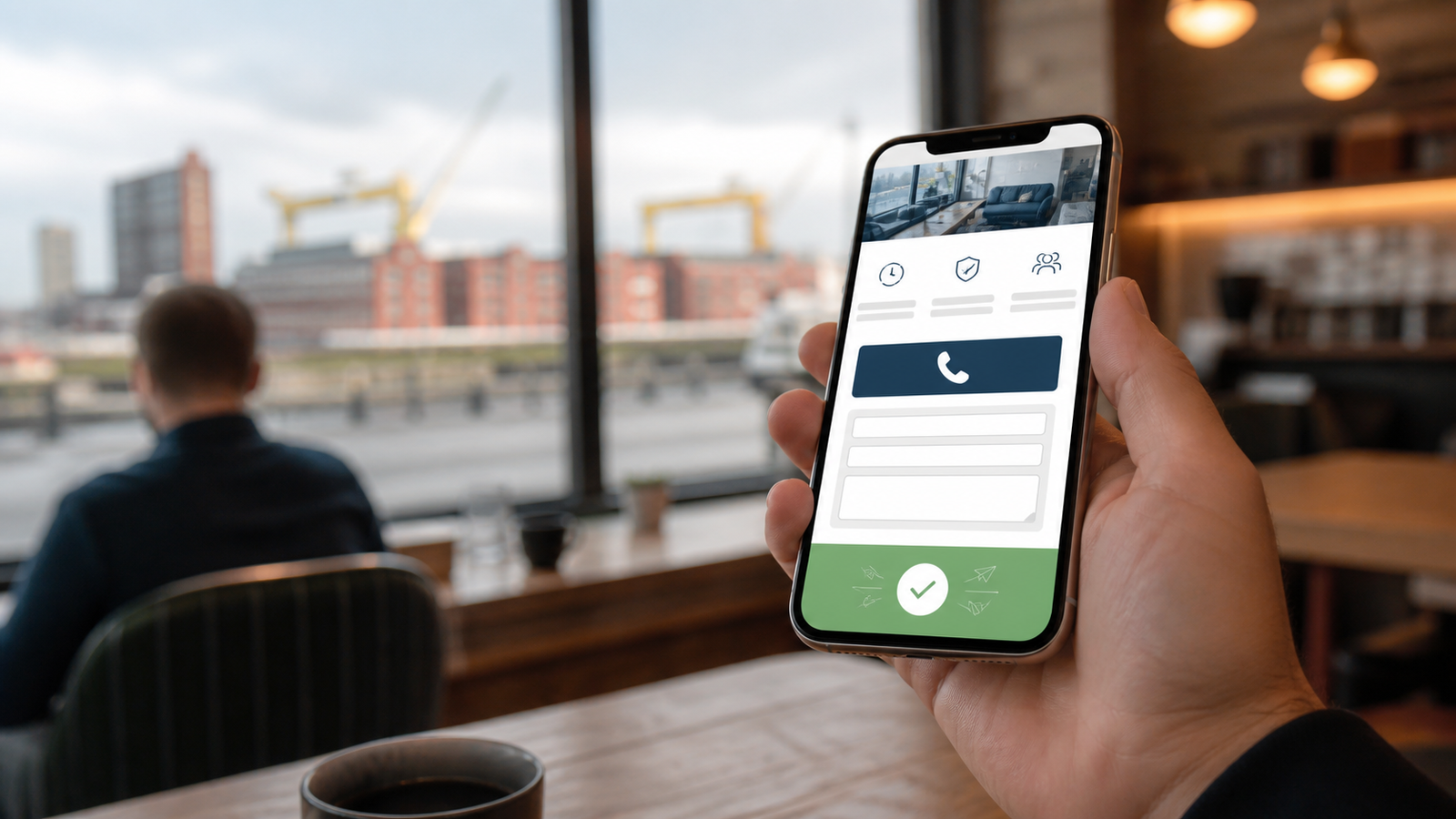
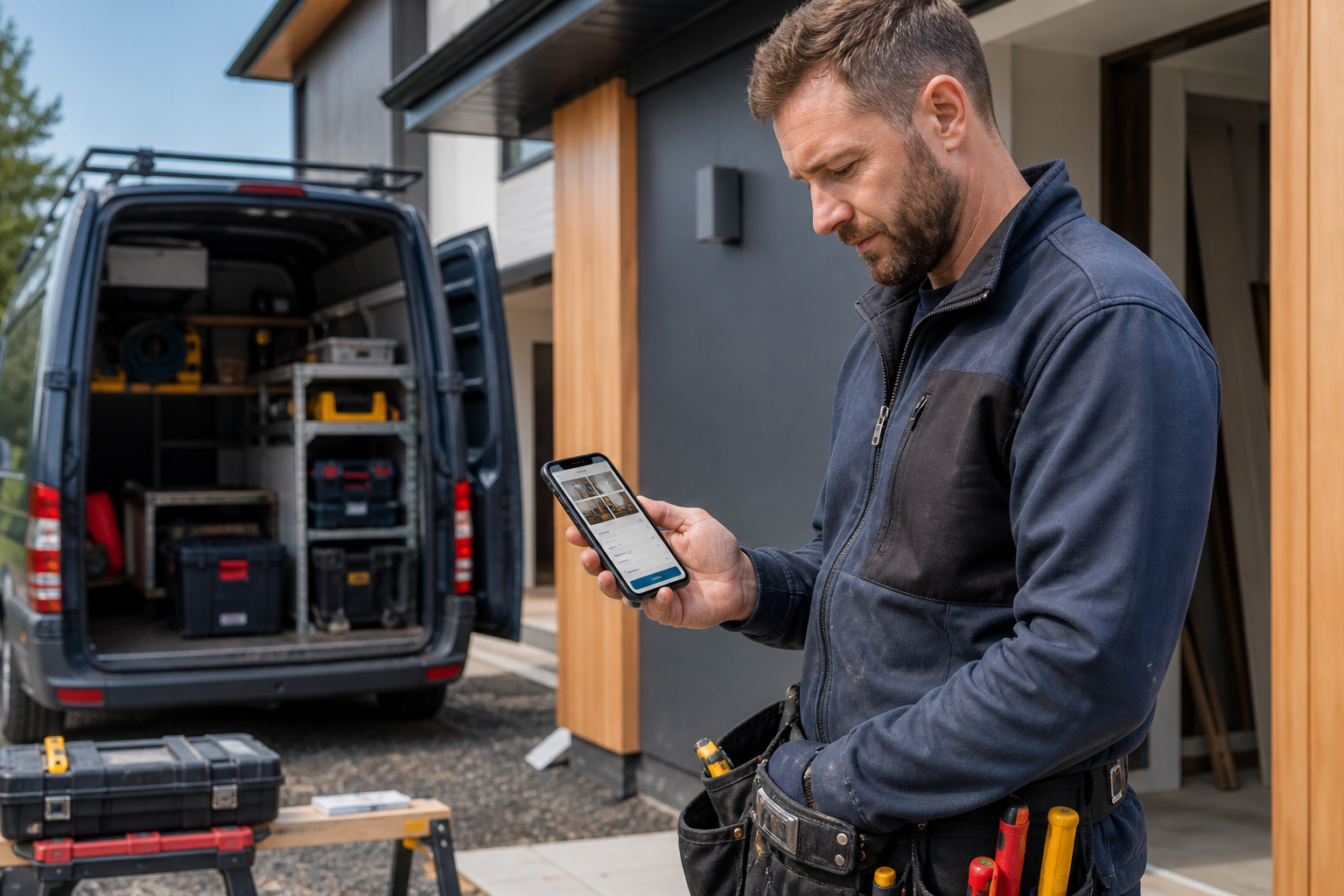
Many customers search while standing near the problem or travelling between properties. Make telephone numbers, service details and forms easy to use with one hand. Use readable text, large tap targets and compressed images. Test photo uploads and confirmation messages on real phones, not only in a desktop preview.
Strengthen local visibility honestly
Keep the business name, contact information, opening hours and service area consistent across the website and public listings. Google's Business Profile guidelines require an accurate real-world representation of the business and generally one profile per eligible location.
Link from the homepage to the priority services and relevant location information. Publish supporting articles only when they answer real questions such as preparation, materials, regulations, timing or maintenance. Avoid copying one page across dozens of towns.
Use calls and forms as measurable journeys
Track which landing page introduced an enquiry, the selected service, form completion and qualified outcome. Connect leads to quotations and won work where practical. Review rejected enquiries as well: they often reveal that a service, location or project threshold needs to be clearer.
A trades website conversion checklist
Priority services are visible from the homepage.
The real service area and working hours are clear.
Every claim is supported by relevant evidence.
Emergency and planned-work actions are distinct.
The quote form requests only useful first-contact information.
Telephone, form and photo-upload journeys work on mobile.
Success is measured by qualified jobs, not raw form volume.
Frequently asked questions
How long should a trades quote form be?
Keep the first step short. Ask for the contact details, location, service, timing and description needed to decide who should respond. Collect detailed specifications later when appropriate.
Should trades websites show prices?
Show prices only when they can be stated accurately. For variable work, explain the factors that affect the quote and what the assessment includes.
Can one location page cover several towns?
Yes, when it describes a genuine service area clearly. Separate town pages should exist only when each provides distinct, useful local information.
Turn clearer information into better conversations
A high-performing trades website helps customers self-qualify and gives the team enough context for a useful first response. Explore our UK web design approach or request a free personalised demo built around your real services, coverage and evidence.