How to Optimize a Google Business Profile for a Texas Business
A field-by-field Google Business Profile checklist for Texas storefronts and service-area businesses, with website, review and local SEO guidance.
Article guide On this page
A Google Business Profile can introduce a Texas customer to a business before the website is opened. The profile may show services, hours, photos, reviews, directions and a call button. Accuracy is therefore more important than stuffing every field with keywords.
This checklist focuses on the decisions that help customers and keep the profile aligned with the website.
Confirm that the business is eligible
A profile generally represents a business that makes in-person contact with customers during stated hours. A storefront can display its customer-facing address. A service-area business that travels to customers should hide an address where customers are not served and define an honest service area.

Do not create profiles for virtual offices, mailboxes or cities where the business has no legitimate operation. Multiple profiles for one business can create confusion and policy risk.
Use the real business name
The profile name should match the name used in the real world, including signage, invoices and the website. Adding services, cities or promotional phrases to the name may look tempting, but it can violate guidelines and make the brand appear less trustworthy.
Choose categories carefully
The primary category is one of the clearest relevance signals. Choose the category that best represents the core business, not every possible service. Add secondary categories only when they describe meaningful parts of the operation.
Review categories periodically because available options evolve. A wrong broad category can attract poor-fit enquiries even when visibility improves.
Set the address or service area accurately
For a storefront, place the pin precisely and use a consistent formatted address. For a mobile business, choose service areas that reflect where the team can reliably work. Expanding the service-area list does not make a business physically closer to searchers and should not be treated as a ranking shortcut.
Large Texas metros make honesty especially important. A Houston company should consider drive time; a DFW company should decide whether Dallas and Fort Worth are both genuinely served; an Austin or San Antonio provider should separate routine coverage from occasional travel.
Complete the core contact details
Use a phone number answered by the business.
Link to the most relevant website page.
Keep regular and special hours current.
Use appointment or ordering links only when they lead directly to that action.
Check that business name, phone and address information match the website.
For city-specific website context, see our pages for Dallas, Houston, Austin, San Antonio and Fort Worth.

Write services for customers
Add important services using the language customers understand. Short descriptions should clarify what is included and who it is for. Do not repeat a city name in every service or make claims the business cannot substantiate.
The website should then expand on those services. A profile is a summary; a strong service page answers questions, shows proof and provides a reliable enquiry path.
Upload useful, real photos
Use current images of the premises, team, vehicles, finished work, products and customer experience where appropriate. Cover images should be clear at small sizes. Avoid stock photos that could belong to any business.
Create a simple routine: add a few high-quality photos after projects, seasonal changes or meaningful updates. Remove outdated images when they misrepresent the experience.
Build a compliant review process
Ask every suitable customer for an honest review instead of selecting only customers expected to be positive. Send the direct review link soon after the service, keep the request brief and never offer an incentive.
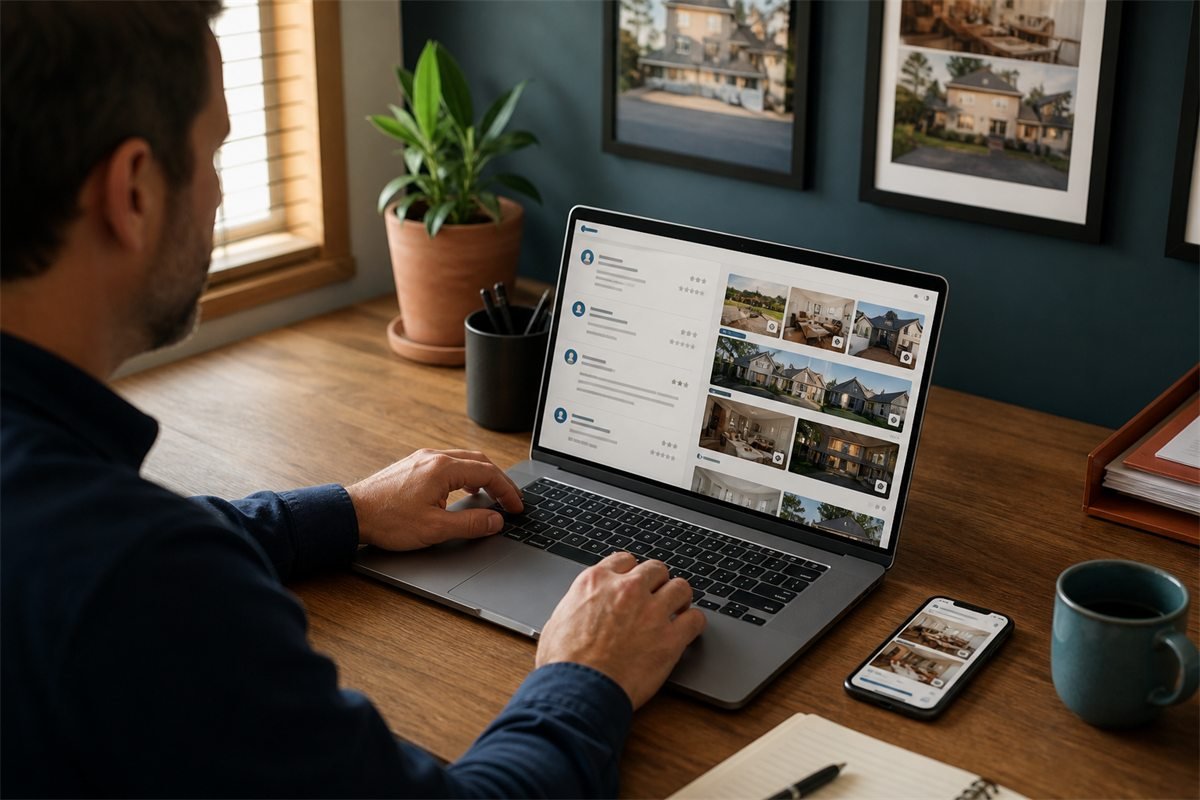
Respond in the brand's normal voice. Thank positive reviewers with specific but non-private context. For criticism, acknowledge the concern, invite a direct conversation and avoid discussing personal account or service details publicly.
Make the website reinforce the profile
The linked page should repeat the core facts accurately: business name, phone, service, location or coverage, and hours where relevant. It should also provide the depth the profile cannot:
Detailed service information
Proof from projects and case studies
Team, credentials and process
Frequently asked questions
Clear calls, forms and booking options
Privacy and contact information
Read our Texas website design guide for structure and the local SEO guide for the wider strategy.
Track the right actions
Use tagged website links when possible so analytics can distinguish Business Profile visits. Track calls, website clicks, direction requests and qualified enquiries. Compare performance by service and season instead of reacting to daily ranking changes.
Common mistakes to avoid
Adding keywords or cities to the business name.
Using a virtual office as a customer-facing location.
Creating duplicate profiles for the same business.
Publishing inaccurate hours.
Linking every visitor to a vague homepage.
Buying reviews or exchanging rewards for feedback.
Copying the same description across unrelated locations.
Assuming profile completion guarantees a top position.
A monthly maintenance checklist
Confirm hours, phone and website links.
Review new customer questions and enquiries.
Upload recent, authentic photos.
Request and respond to reviews.
Check for unauthorized edits or duplicate listings.
Compare profile activity with website conversions.
Google says local results are mainly shaped by relevance, distance and prominence; its current advice is available in the official local ranking documentation. Focus on accuracy, usefulness and reputation rather than shortcuts.
If the profile is strong but the linked site is weak, request a free working website demo or run our free website audit to identify the biggest conversion and SEO gaps.