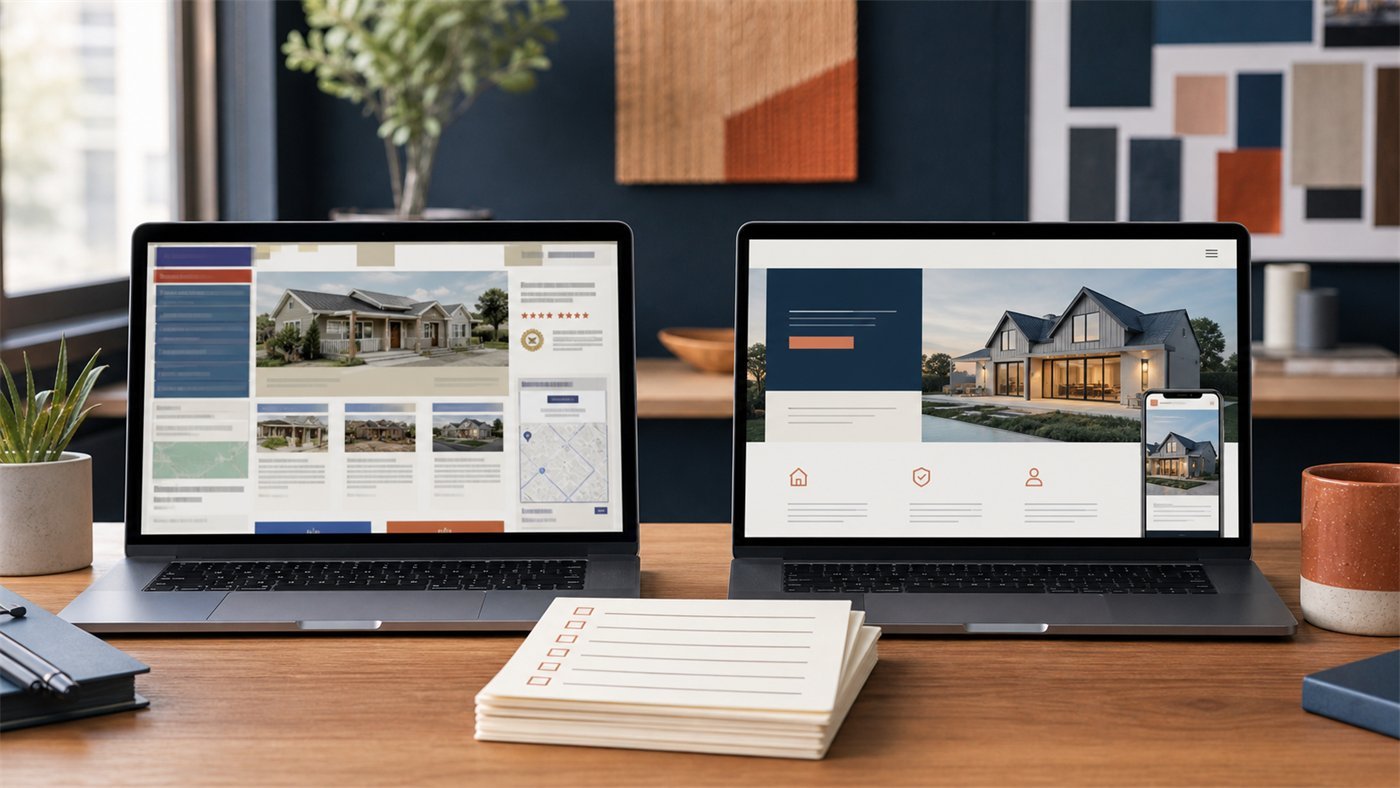
Website Design for Texas Small Businesses: A Practical 2026 Guide
A practical Texas web design guide covering structure, local SEO, mobile performance, trust, costs and the pages a growing small business actually needs.

Article guide On this page
A small-business website in Texas has a demanding job. It must explain the offer quickly, work perfectly on a phone, reassure a referral, support local search and make contacting the business feel easy. Looking modern matters, but clarity and trust matter more.
This guide explains how to plan that website without getting lost in design trends or technical jargon. It is written for service businesses, professional firms, clinics, trades, hospitality companies and other owner-led businesses across Texas.
Start with the business result, not the color palette
Before choosing fonts or layouts, decide what the website should help a visitor do. For most local businesses, the primary action is one of four things: call, request a quote, book, or visit a location. Pick one primary action and make supporting actions secondary.

A roofing company may prioritize quote requests. A restaurant may prioritize reservations and directions. A consultant may want qualified discovery calls. When the goal is clear, page structure, copy and calls to action become much easier to judge.
Texas is one state, not one local market
Local intent changes across the state. A technology consultancy in Austin needs a different message from an industrial supplier in Fort Worth. A Houston service-area business must explain a wide coverage area, while a San Antonio company may need bilingual-ready content and a Dallas professional firm may need stronger authority signals.
Website design in Dallas should account for a competitive professional-services and DFW search market.
Website design in Houston often needs clear coverage, service and response information across a large metro.
Website design in Austin benefits from excellent digital polish, direct language and a simple conversion path.
Website design in San Antonio should build trust without relying on thin neighborhood lists.
Website design in Fort Worth should distinguish the business from generic “DFW” positioning when Fort Worth customers are the real audience.
These pages should contain genuinely useful local information. Replacing one city name with another creates doorway content, not a helpful customer experience.
The seven jobs every Texas small-business website should handle
1. Explain the offer in seconds
The first screen should identify the service, the customer and the next step. Avoid clever headlines that force visitors to decode what the business does.
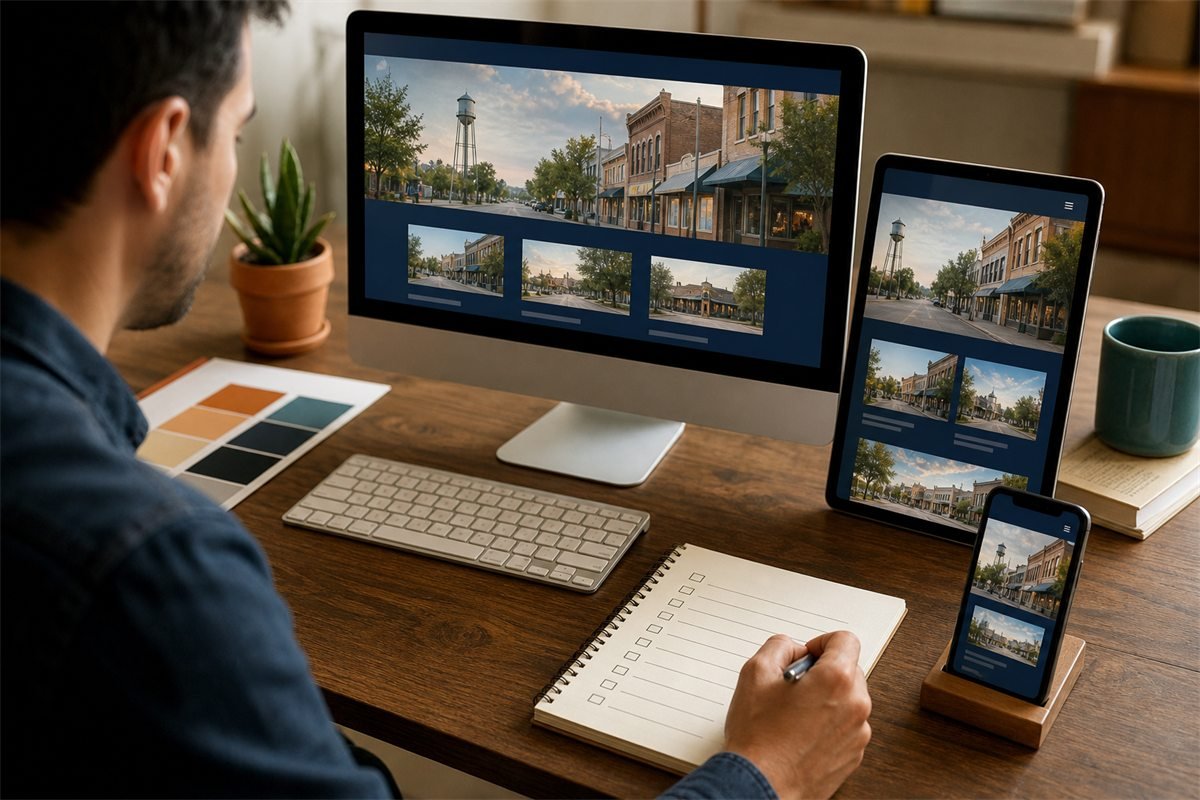
2. Prove the business is credible
Use real reviews, project examples, team information, credentials and clear operating details. Place proof near the claims it supports.
3. Make mobile contact effortless
Texas customers often search between appointments or from a job site. Phone numbers should be tappable, forms should be short, and buttons should be comfortable to use.
4. Describe services in useful depth
Give important services their own pages when they have distinct questions, audiences or buying decisions. Explain process, fit, limitations, proof and next steps—not just features.
5. Support local discovery honestly
Connect the site to a complete Google Business Profile, keep names and contact details consistent, and publish accurate service-area information. Read our Texas local SEO guide and Google Business Profile checklist for the tactical details.
6. Load quickly and work accessibly
Compress images, avoid unnecessary animation, use readable type and maintain sufficient contrast. Forms need labels, error guidance and a visible confirmation after submission.
7. Be easy to improve
The platform should let the business add projects, update services, publish articles and improve calls to action without rebuilding everything.
A sensible website structure
Home: the clearest summary of the offer and proof.
Service pages: one for each meaningful customer need.
About: why the business is credible and how it works.
Locations or service areas: only where the business genuinely operates.
Portfolio or case studies: evidence of outcomes.
FAQs: answers that reduce hesitation.
Contact or booking: a short, reliable conversion path.
Insights: useful articles that support customers and internal links.
Link related pages naturally. A service article can link to the relevant service and city page; a city page can link back to a useful guide. That structure helps people explore and gives search engines clearer context.

How much should you budget?
Website prices vary because “a website” can mean a template with three pages or a custom system with strategy, copy, integrations and ongoing SEO. Compare scope rather than headline prices. Confirm whether discovery, copywriting, mobile testing, forms, analytics, hosting, maintenance and future edits are included.
Our Texas website cost guide explains the budget drivers. If an existing site is underperforming, use the website redesign checklist before paying to rebuild it.
What to ask a web design partner
Who writes the content, and how is business accuracy reviewed?
Can I see a working direction before making a large commitment?
What is included in the fixed scope?
How will the site handle mobile visitors and accessibility?
Who owns the domain, content and website accounts?
How are backups, updates and security handled after launch?
What SEO work is included, and what is explicitly not guaranteed?
A practical next step
Write down your three most important services, your genuine coverage area, the proof customers care about and the one action you want them to take. That one-page brief is enough to begin.
Stars Web Studio offers small-business website design and a free working website demo, so you can evaluate a real direction before deciding. Already have a site? Run the free website audit first.