How Cafes and Restaurants Can Get More Customers Online
A practical online-growth guide for cafés and restaurants covering mobile menus, local search, food photography, bookings and measurable customer actions.
Article guide On this page
When someone searches for somewhere to eat, the decision may happen in minutes. They want to confirm the menu, prices, opening hours, location, dietary options and whether they need to book. A café or restaurant website should make those answers easy to find on a phone and keep them consistent with the information shown elsewhere online.
The goal is not simply more traffic. It is to turn relevant searches into calls, directions, bookings, takeaway orders and visits.
Make the mobile menu genuinely useful
Put the menu in readable web text so customers can scan sections, understand prices and search within the page. A downloadable PDF can be offered as an extra, but it should not be the only option: PDFs are often awkward to read on small screens and become outdated when several copies circulate.
State whether prices include service, which dishes are vegetarian or vegan, and how customers should ask about allergens. Keep seasonal and sold-out items accurate. A shorter current menu creates more trust than a large menu that no longer reflects what the kitchen serves.
Keep location, hours and booking details consistent
Display the full address, telephone number and current opening hours in predictable places. Explain last orders, kitchen closing times, holiday changes and accessibility information where relevant. Embed a map or link to directions, but also provide the address as text.
Claim and maintain the restaurant's Google Business Profile. Google's business-details guidance explains how verified information can help customers recognise the official website and find details in Search and Maps. Keep website and profile information aligned rather than creating extra listings for places that are not genuine staffed locations.
Use photographs that answer a buying question
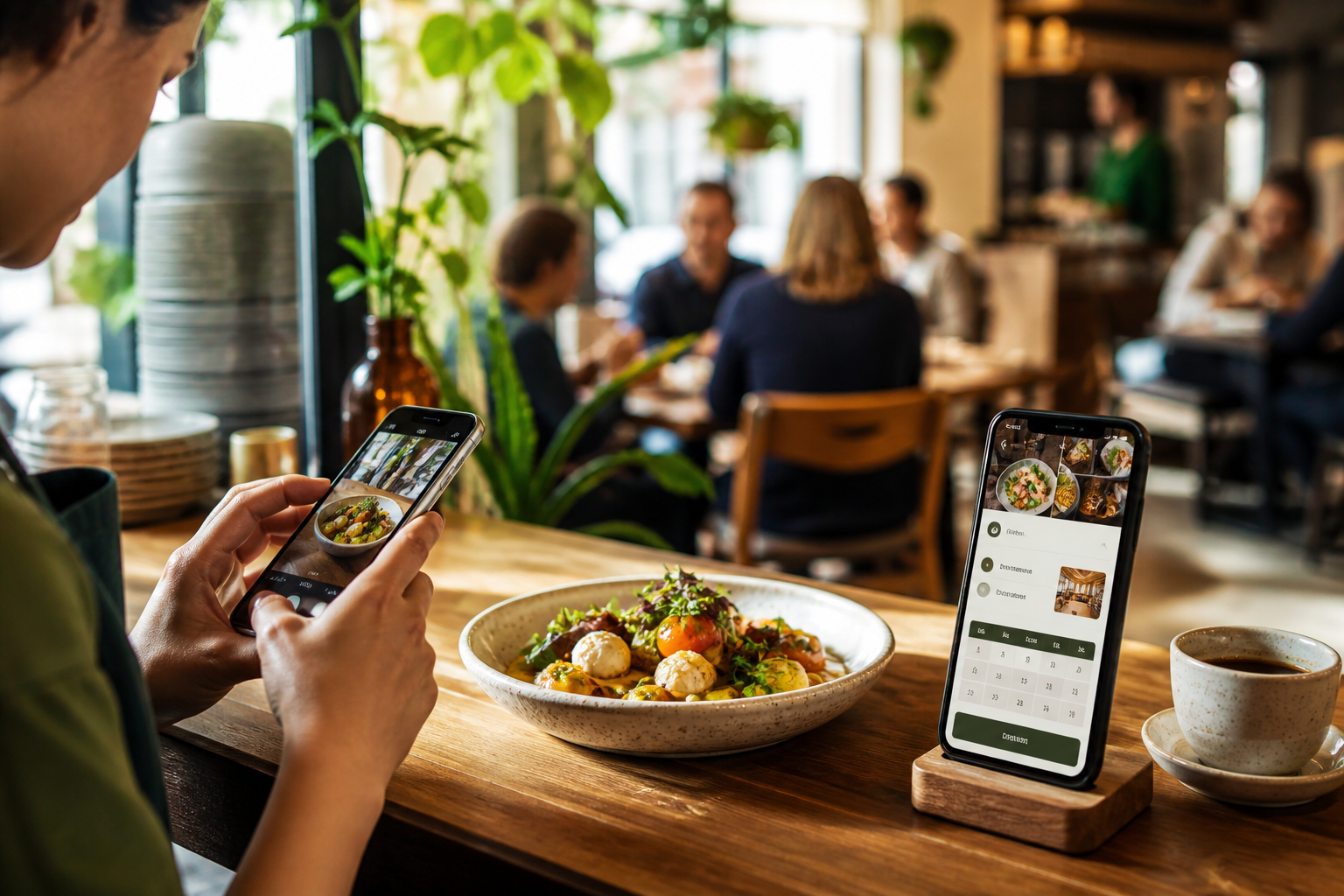
Strong images show the food, atmosphere, seating and practical experience a guest can expect. Use recent photographs with consistent lighting and honest presentation. Include useful alternatives such as exterior and entrance views, outdoor seating, private dining space or takeaway packaging when those details affect the decision.
Compress images before upload and write concise alt text that describes the visible subject. Do not force keywords into every description; accessibility and accuracy come first.
Reduce friction in the booking journey
If online booking is available, make the action easy to find without covering the menu. Show party-size limits, deposit or cancellation terms before the customer confirms. On completion, display a clear confirmation and explain whether a separate email or message will follow.
For private events or large groups, use a separate enquiry form that asks for the date, approximate guest count and essential requirements. Avoid requesting a full event specification before the restaurant has confirmed availability.
Create local content with a real purpose
A location page can explain transport, parking, nearby landmarks and the neighbourhood experience. Event pages can cover genuine offers such as weekend brunch, live music, tasting menus or seasonal dining. Each page should help a guest make a decision; copying the same paragraph across many districts creates thin, repetitive content.
Google's people-first content guidance favours original, useful information created for an existing audience. The chef's approach, sourcing policy, accessibility details or a carefully explained menu can provide value that a generic “best restaurant” article cannot.
Connect the website to local discovery
Link the homepage to the menu, bookings, contact and location pages.
Use descriptive titles that combine the real venue name, offering and location naturally.
Keep Business Profile categories, hours, website URL and photos current.
Add structured data only when it matches information visible to customers.
Invite genuine reviews without offering incentives or filtering unhappy customers.
Measure actions that relate to covers and orders
Track booking starts and completions, clicks for directions, phone calls, menu views and outbound takeaway-order clicks. Compare those actions with table bookings, event enquiries and order data. This shows which pages support revenue rather than rewarding content simply because it receives visits.
Frequently asked questions
Should a restaurant menu be a PDF?
A PDF can be useful for printing, but the main menu should also be readable as a mobile-friendly web page that can be updated quickly.
Does a café need online booking?
Not every café does. The right action may be directions, telephone, takeaway ordering or an event enquiry. Choose the action that matches how the venue operates.
Can a website guarantee better Google rankings?
No. Accurate information, useful content, crawlable pages and a well-maintained Business Profile can improve eligibility and relevance, but rankings depend on many factors and are never guaranteed.
Build a clearer path from search to visit
A good hospitality website helps a hungry customer decide with confidence. Explore our UK web design service or request a free personalised demo based on your real menu, venue and customer journey.