What UK Drivers Check on a Body Shop Website Before They Call
After an accident, drivers want reassurance fast. These are the things they look for on a body shop website, and how to make sure yours answers them.
Article guide On this page
Quick answer: Drivers want to see your real work, know which repairs you carry out, read genuine reviews, understand what happens next, find out where you are and when you are open, and contact you quickly. If your website answers those questions in the first screen or two, more of them will pick up the phone or send you photos.
Someone looking for a body shop is rarely in a good mood. They have a dent, a scrape or accident damage, and they want to know they are leaving their car with someone who will do it properly. Here is what they check, roughly in order.
1. Proof of real work
The finished job is the whole sell in body repair. Before and after photos of your own work do more than any amount of text. Show a range of jobs, from small bumper scuffs to bigger accident repairs, and add a short caption to each one explaining what was done. Avoid stock images: drivers can usually tell, and it makes them wonder why you are not showing your own work.
2. The repairs you actually do
A driver with a cracked bumper wants to know you repair bumpers. List the work you carry out in plain words, for example:
Accident damage repair
Bumper repairs and scratches
Dents and panel work
Smart repairs
Full and partial resprays
Colour matching
Only list what you genuinely offer. Giving the main repairs their own section or page also helps Google understand what you do.
3. Genuine reviews
Drivers check reviews before they trust anyone with their car. Show your Google rating and quote a few real reviews with the reviewer's name. Link to your Google listing so people can read more. Never write reviews yourself or edit what customers said.
4. What happens next
A simple step-by-step section takes the worry out of getting in touch. For example: send photos, get an estimate, bring the car in for inspection, repair, then collect. The H I Bodyworks website uses a four-stage walkthrough built from the shop's own job photos.
5. Insurance and courtesy cars
These are two of the most common questions. If you handle insurance claims, explain briefly how it works with you. If you offer a courtesy car, say so clearly. If you do not, it is better to say nothing than to imply you do.
6. Location, opening hours and directions
Many body shops are in units on industrial estates that can be hard to find. Include your full address, a map, your opening hours and any directions that help, such as which unit to look for or where to park.
7. A fast way to get in touch
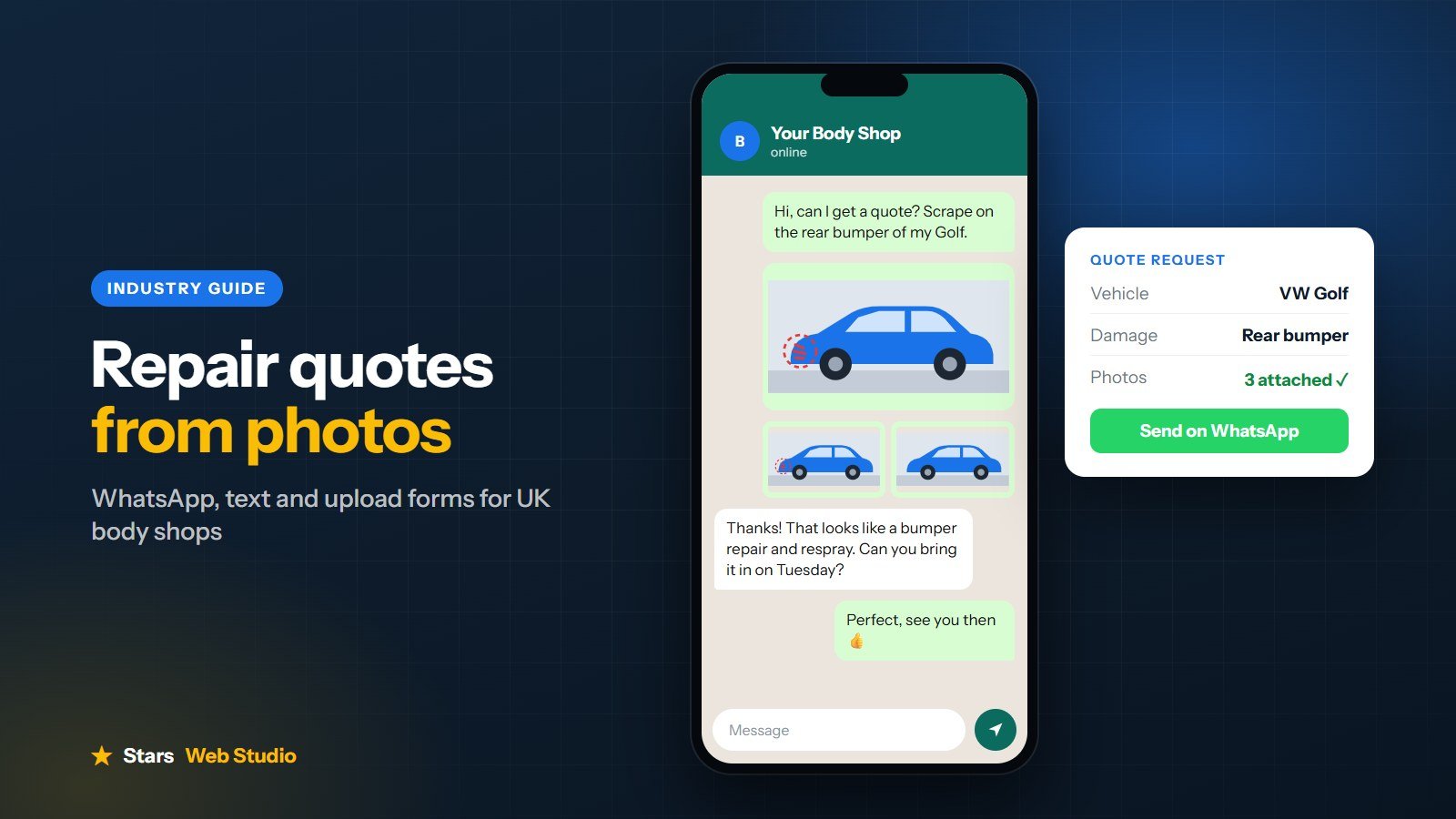
Tap-to-call, WhatsApp and a photo quote option should be easy to find on every page, especially on a phone. Read our guide on taking repair quotes from photos for practical ways to set this up.
8. A site that works on a phone
Most drivers will look you up on their phone, sometimes straight after the damage has happened. Your website needs to load quickly, be easy to read without zooming and have buttons that are big enough to tap.
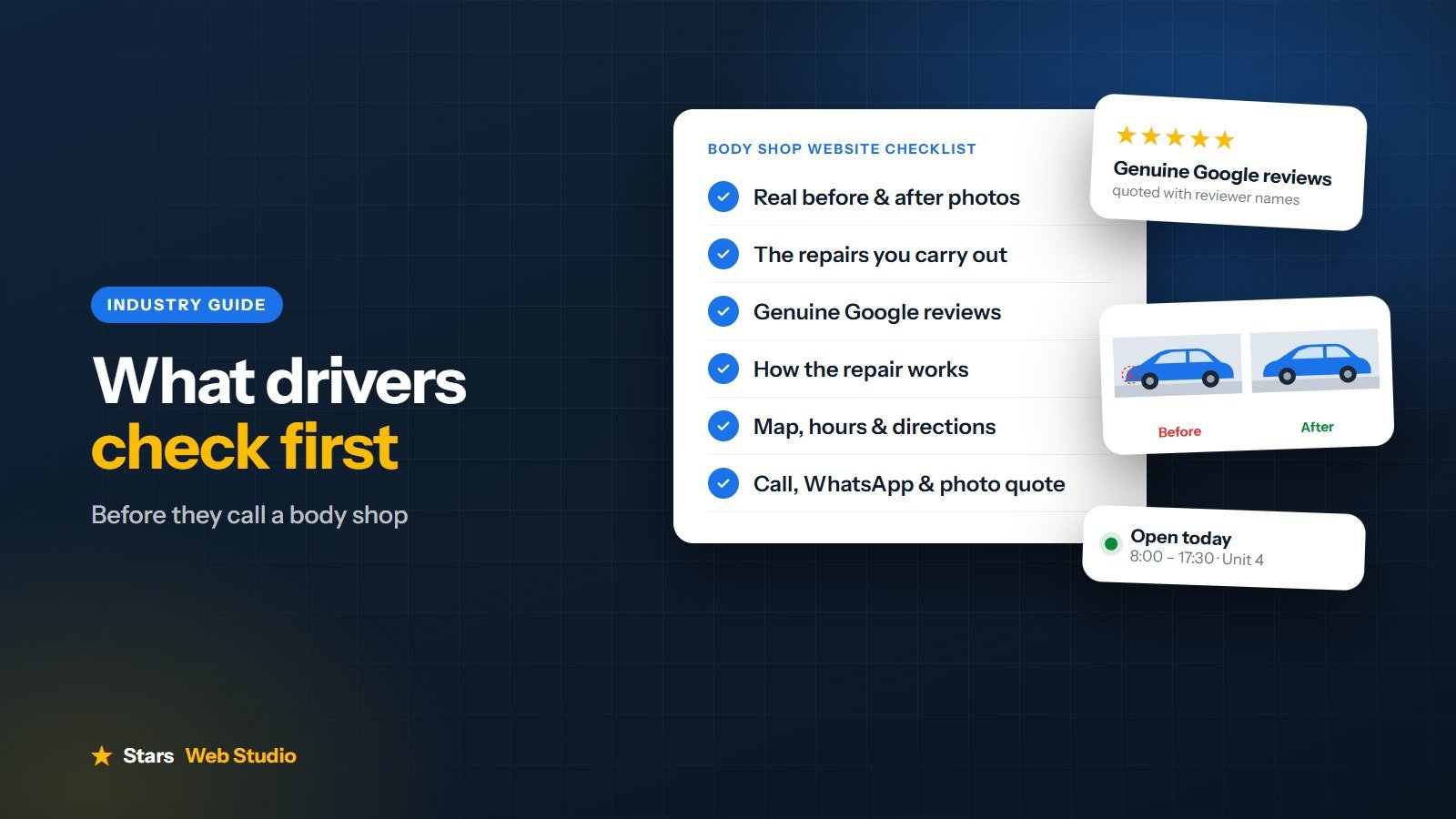
Quick checklist
Real before and after photos of your own work
A clear list of the repairs you carry out
Genuine reviews with names, and your Google rating
A simple explanation of what happens after they get in touch
Honest answers about insurance work and courtesy cars
Address, map, opening hours and directions
Call, WhatsApp and photo quote options on every page
Fast loading and easy to use on a phone
Next steps
Not sure how your current site measures up? Try our free website audit. You can also see how we approach body shop website design, or ask for a free homepage concept before you decide.