Website Redesign Checklist for Growing Texas Businesses
Use this practical redesign checklist to decide what to keep, repair or rebuild before investing in a new website for your growing Texas business.
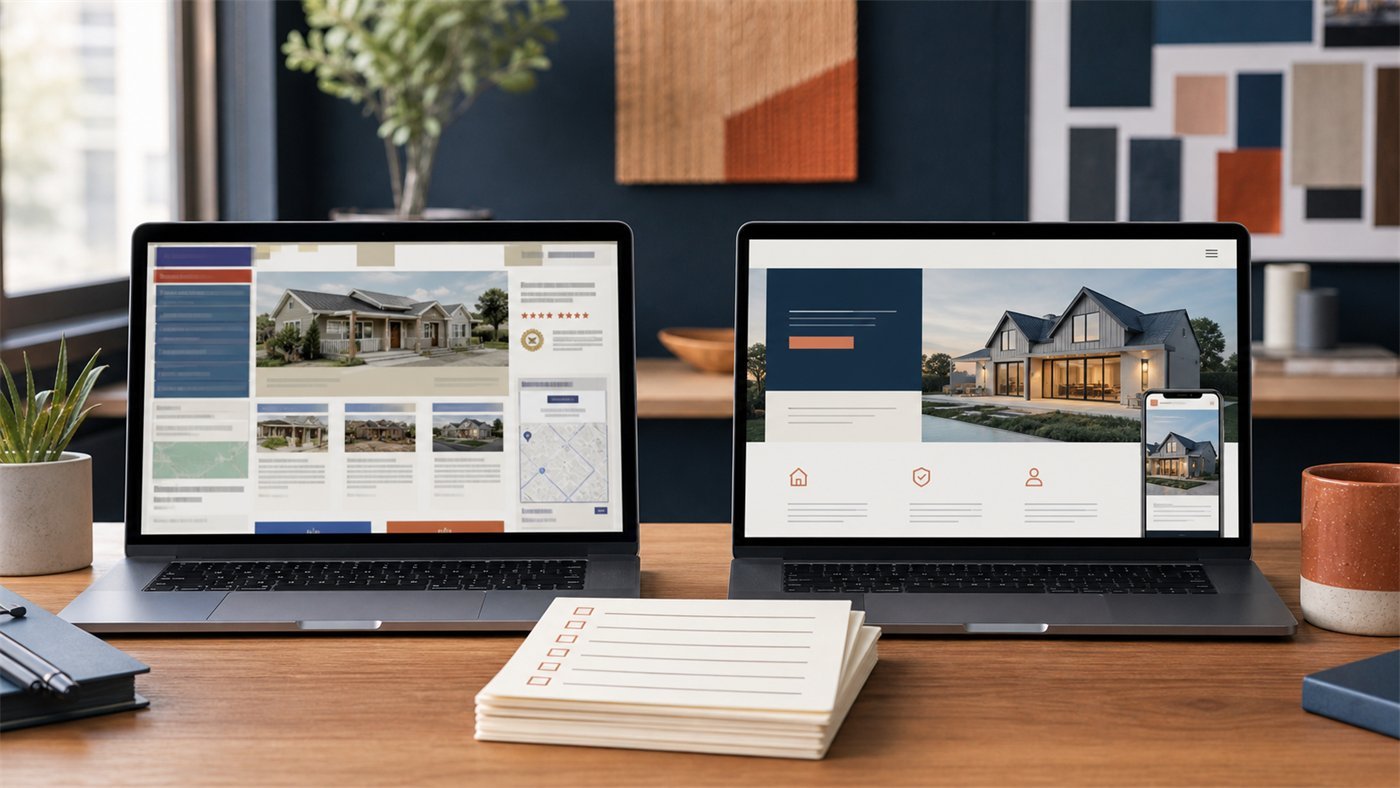
Article guide On this page
A redesign should improve business performance, not simply replace one visual style with another. The safest projects begin by identifying what already works, what creates friction and which pages produce real enquiries.
Use this checklist before requesting proposals. It will help protect search visibility, control scope and give the new site a measurable purpose.
1. Define the reason for redesigning
Write the problem in business terms. Useful reasons include poor mobile conversion, unclear services, slow performance, difficult updates, weak accessibility, broken enquiries or a brand and offer that have materially changed.

“The site looks old” may be true, but it is not specific enough to guide decisions. A stronger brief is: “Mobile visitors cannot compare our three services or request a quote without completing a long form.”
2. Record the current baseline
Organic traffic by landing page
Calls, forms, bookings and other conversions
Top search queries and local visibility
Highest-traffic service and location pages
Mobile versus desktop conversion
Page speed and technical errors
Lead quality and close rate
Without a baseline, a redesign can launch beautifully while quietly performing worse.
3. Inventory every important URL
Export or list current pages, titles, traffic, backlinks and business purpose. Mark each URL as keep, improve, combine, redirect or remove. Do not delete old pages only because they no longer appear in navigation.
Every changed URL needs a relevant 301 redirect. Redirect an old service page to the closest new equivalent, not automatically to the homepage.
4. Protect local SEO value
Keep accurate service, city and contact information. Preserve useful local pages and rewrite thin ones. Maintain title intent, internal links, canonical URLs and structured data where appropriate. Update the XML sitemap after launch.
If the company operates in major Texas markets, review the real local differences represented on pages for Dallas, Houston, Austin, San Antonio and Fort Worth. Do not replace them with duplicated boilerplate.
5. Rewrite the information architecture
Organize navigation around customer needs. Priority services should be easy to reach, and related services should link to one another. Keep menus concise. A visitor should not need to understand the company's internal departments to find help.
The Texas small-business website guide includes a practical starting structure.
6. Audit the content
Check every important page for:
A clear audience and purpose
Accurate services and coverage
Specific proof, not unsupported claims
Useful headings and scannable sections
Current photos, team and credentials
Answers to common objections
One obvious next step
Preserve content that earns traffic or builds trust. Rewrite generic filler. Remove claims the business cannot verify.
7. Design the mobile journey first
Test navigation, calls, forms, booking, maps and key service information at common mobile widths. Buttons need comfortable target sizes; text should not require zooming; fixed elements should not cover content.

A redesign preview that only looks good on a wide presentation screen is not ready for approval.
8. Make accessibility part of the design
Use sufficient color contrast.
Maintain visible keyboard focus.
Provide proper form labels and clear errors.
Write useful alternative text for meaningful images.
Keep headings in a logical order.
Do not rely on color alone to communicate state.
Respect reduced-motion preferences.
Accessibility improves usability for everyone and is much harder to retrofit after every component is approved.
9. Simplify forms and conversion paths
Ask only for information needed at that stage. Explain what happens after submission and show a reliable success message. Test notification emails and CRM routing. Add spam protection that does not create unnecessary barriers.
Place the right call to action on the right page. Emergency services may prioritize calls; considered professional services may need a short qualification form.
10. Plan performance before development
Set image, font, animation and third-party-script budgets. A visually impressive homepage can become slow when video, chat, analytics, tracking and scheduling tools are added late.
Use modern image formats, responsive sizes, limited font files and lazy loading where appropriate. Test actual pages, not an empty theme.
11. Review ownership and integrations
Document who controls the domain, DNS, hosting, analytics, Business Profile, email forms, booking systems and CRM. Confirm how credentials will be transferred and which subscriptions renew.
For local visibility, compare the redesign plan with the Google Business Profile guide and Texas local SEO plan.
12. Build a launch checklist
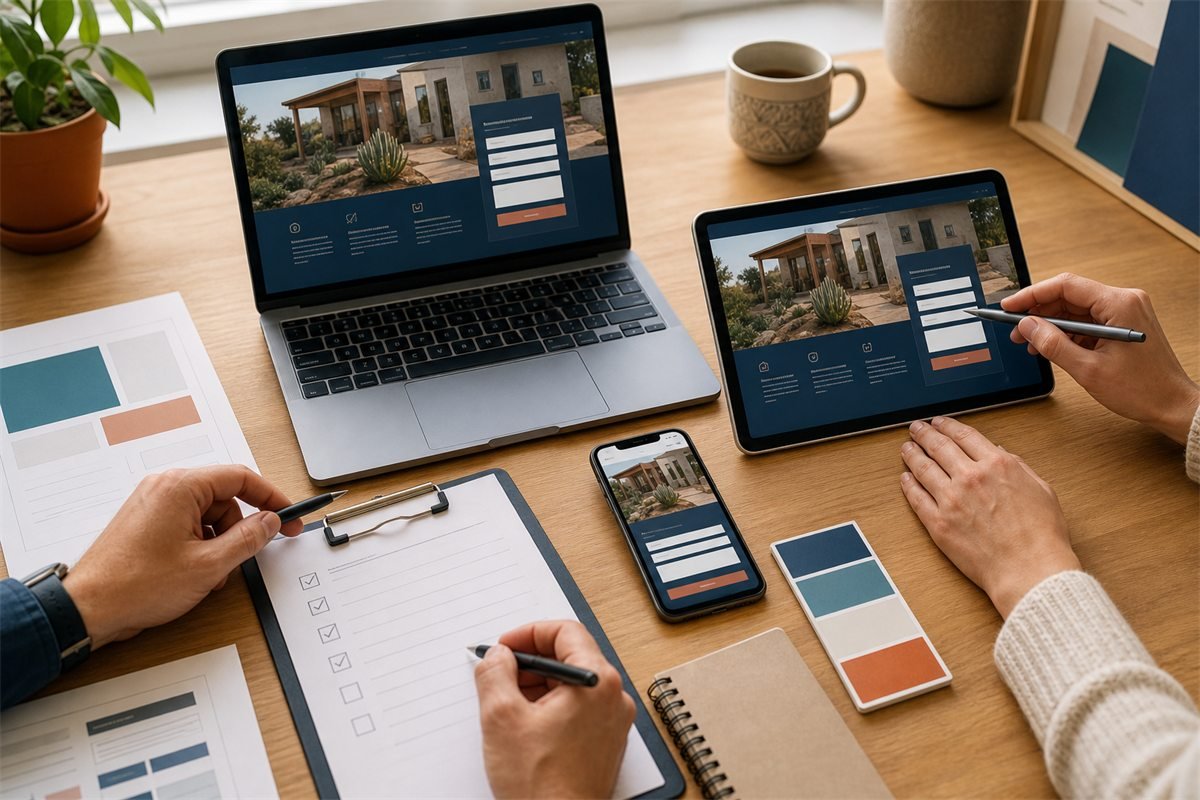
Crawl the staging site and fix broken links.
Test forms, calls, bookings and confirmation messages.
Verify titles, descriptions, canonicals and robots directives.
Map and test redirects.
Check analytics and conversion tracking.
Review privacy, cookie and legal requirements.
Test major browsers and real mobile devices.
Create a backup and rollback plan.
Submit the new sitemap and monitor indexing.
13. Measure after launch
Watch server errors, redirects, index coverage, traffic and conversions during the first weeks. Compare against the recorded baseline. Some fluctuation is normal, but broken high-value pages or a drop in enquiries needs immediate investigation.
Repair or rebuild?
Repair the existing site when the platform is stable, content is sound and problems are limited to performance, forms or a few templates. Rebuild when the architecture blocks growth, ownership is unclear, updates are risky, the mobile experience is fundamentally broken or the offer has changed enough that most pages need rethinking.
Start with evidence. Run the free website audit and review the Texas website cost guide. If a rebuild is justified, Stars Web Studio can prepare a free working demo so your team can judge the direction before committing.